

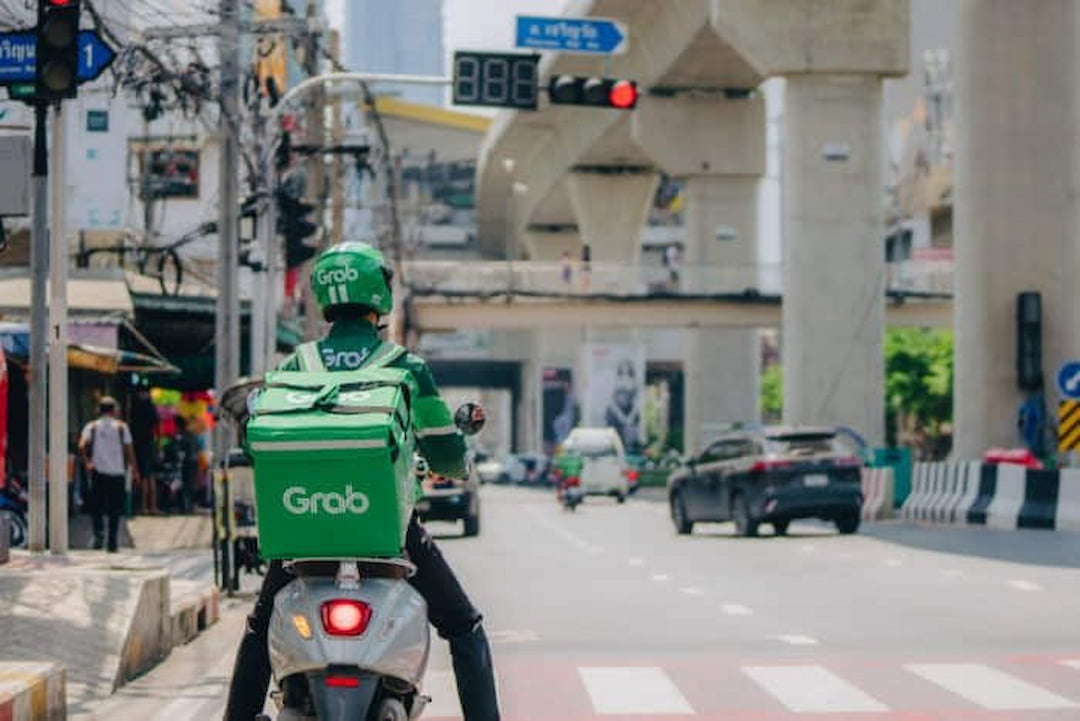
How Do I Send a Package with Grab in Phuket?
It’s easy — here’s the full process in under a minute:
1. Download the Grab app
Create an account and enter your info (name, phone, payment method, etc.)
2. Open the app and select “GrabExpress”
That’s the one with the package icon.
3. Fill in the details:
- Pickup address
- Drop-off address
- Sender’s name + Thai phone number
- Recipient’s name + Thai phone number
4. Choose item type
Example: clothes, documents, food, etc.
5. Enter the weight
Up to 300 kg is allowed — bike, car, or truck will be shown based on the weight.
6. Confirm the price
Prices vary by distance, time of day, and item size.
7. Choose who pays
You, the sender, or the recipient (cash or card).
8. Tap “Confirm”
Grab finds a driver, they come pick it up, and you track the delivery in real time.
Cost:
Usually under 200 THB for anywhere on the island.
Fast, reliable, and works almost every time.
